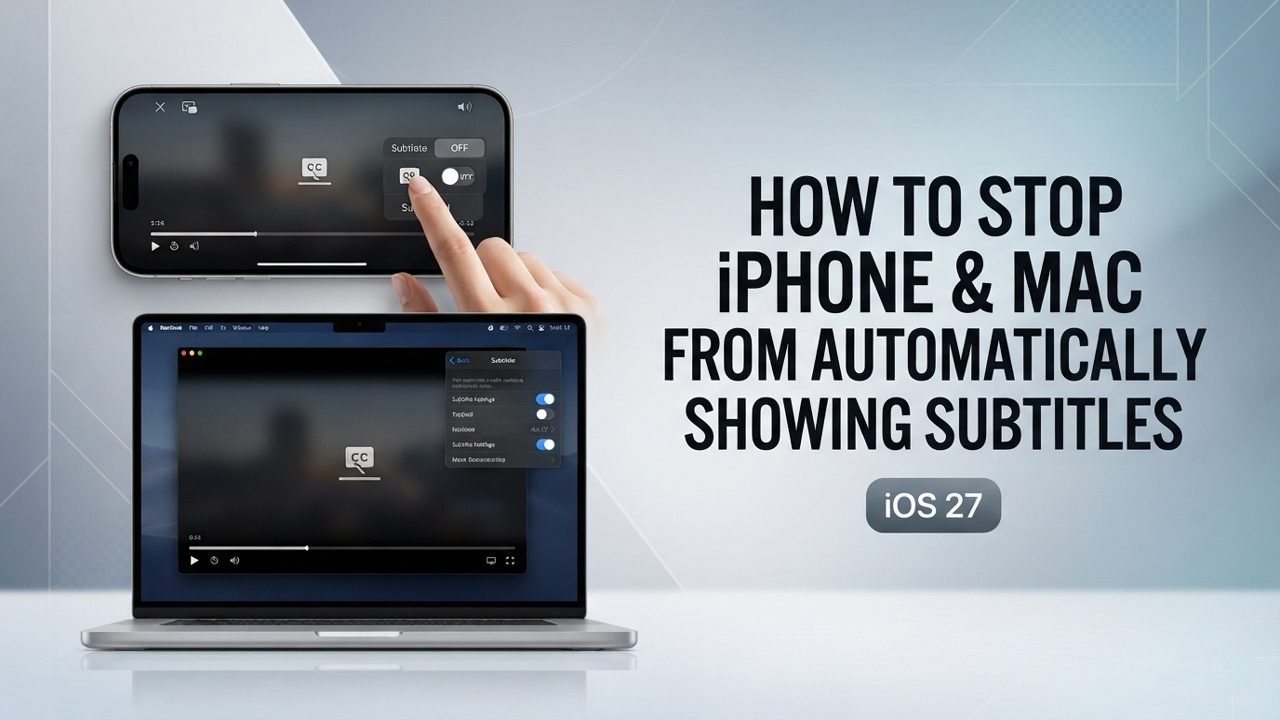
Sometimes, subtitles appear automatically when you watch videos on your iPhone, iPad, or Mac. They can show up when the sound is muted or the video is in another language.
Sometimes, subtitles appear automatically when you watch videos on your iPhone, iPad, or Mac. They can show up when the sound is muted or the video is in another language.
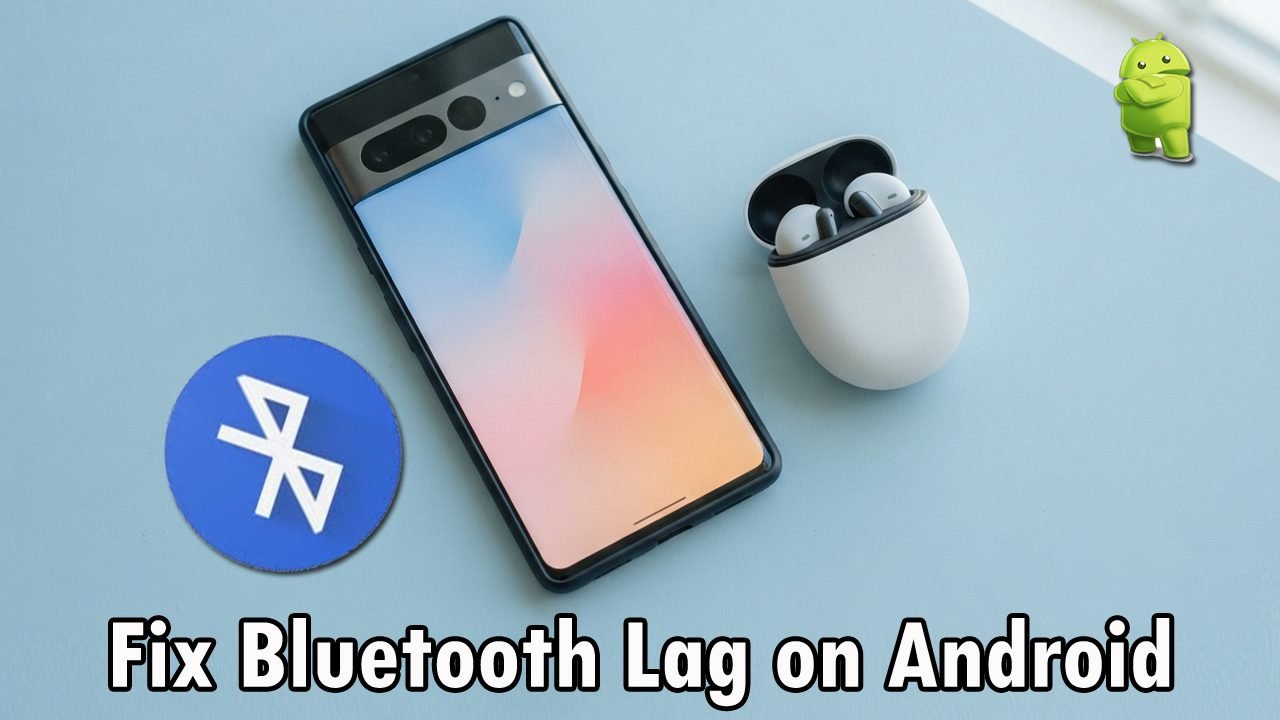
Bluetooth headphones are useful for watching videos, listening to music, and playing games. However, sometimes the sound does not match the video or actions on the screen.
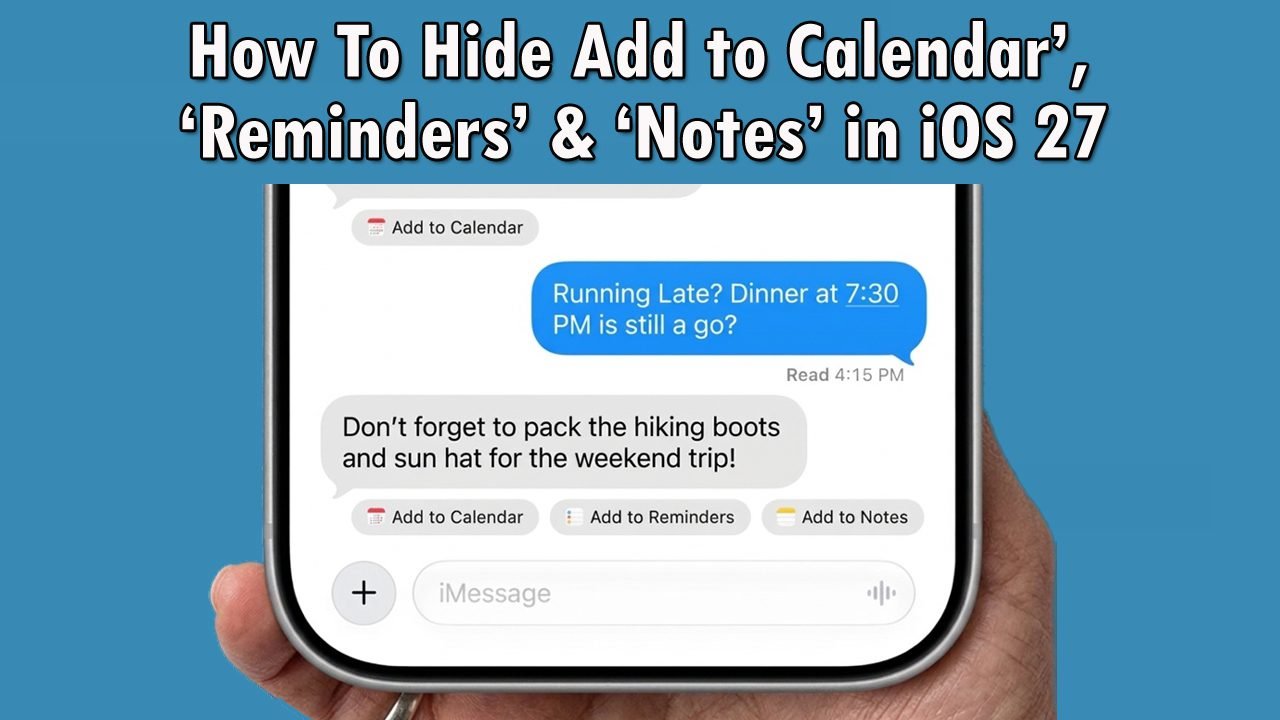
The Messages app on Apple devices is designed to help you act on information quickly. However, the system often displays automatic, dynamic suggestion buttons right inside your chat threads. These context-driven shortcuts include options to add events to your Calendar, generate a new task in Reminders, or save clipped text into the Notes app.
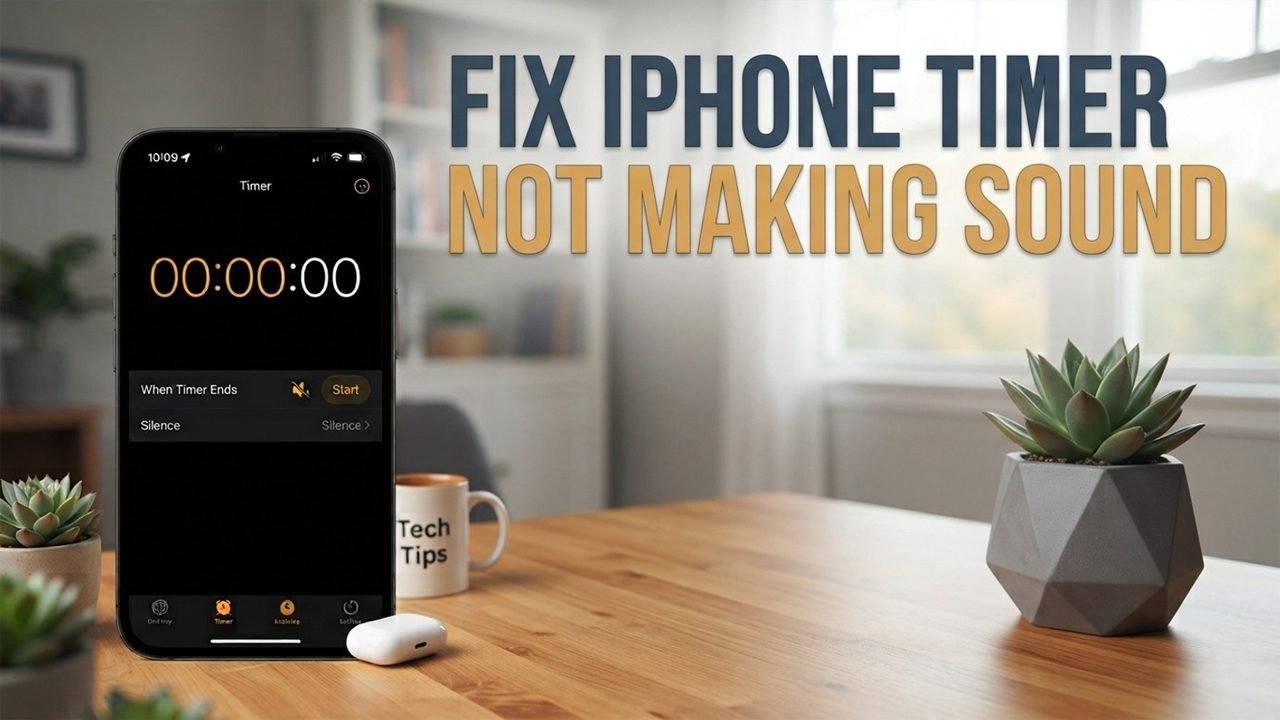
The iPhone timer is useful for managing daily tasks, cooking, studying, and other activities. However, sometimes the timer reaches zero without playing an alert, leaving you frustrated with your iPhone timer sounds not going off. This can make it difficult to know when the countdown has finished. Missing an alarm because your device stays silent can mean burnt food, missed appointments, or a disrupted schedule.
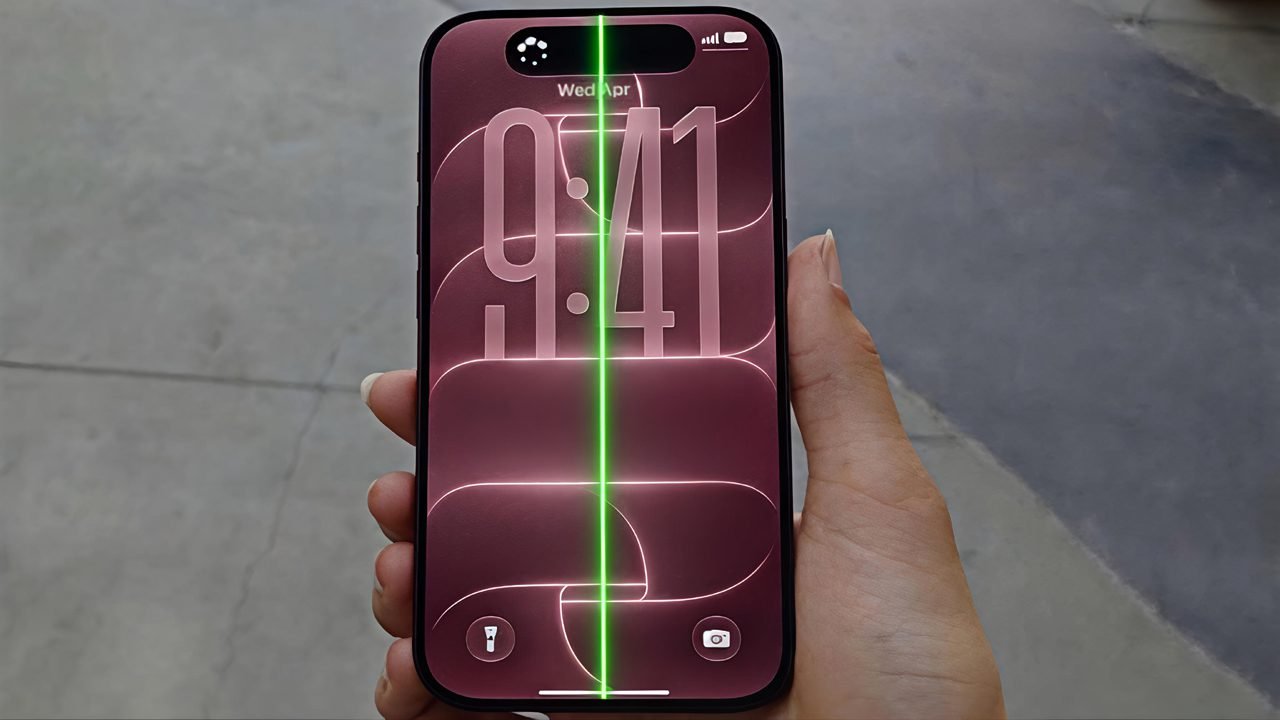
Apple’s recently launched iPhone 18 Pro and Pro Max have attracted attention after some users reported unexpected green, pink, and red vertical lines appearing on their displays. These reports have raised questions about whether the issue could be related to display hardware, software behaviour, or individual device defects.
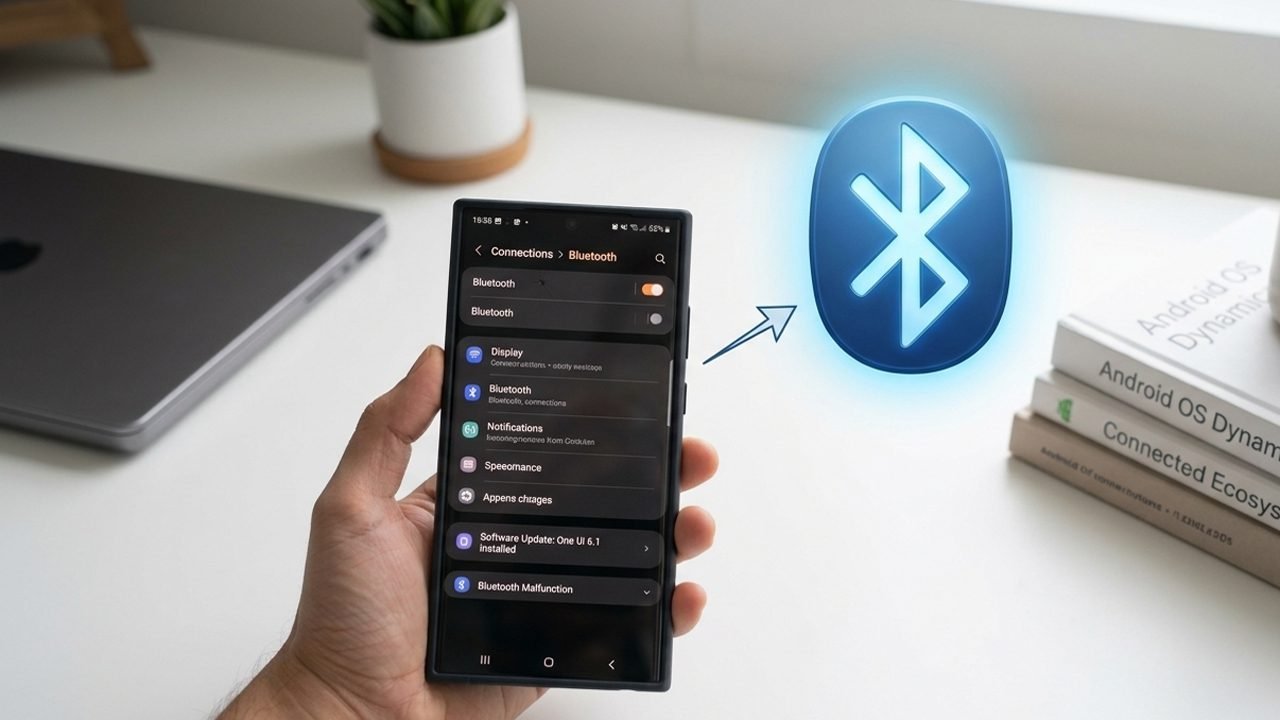
A phone software update can sometimes break your wireless settings, leaving you with Samsung Bluetooth not working as expected. This sudden glitch often leads to frustrating pairing failures, unexpected disconnections, audio interruptions, or nearby devices completely failing to detect your phone.
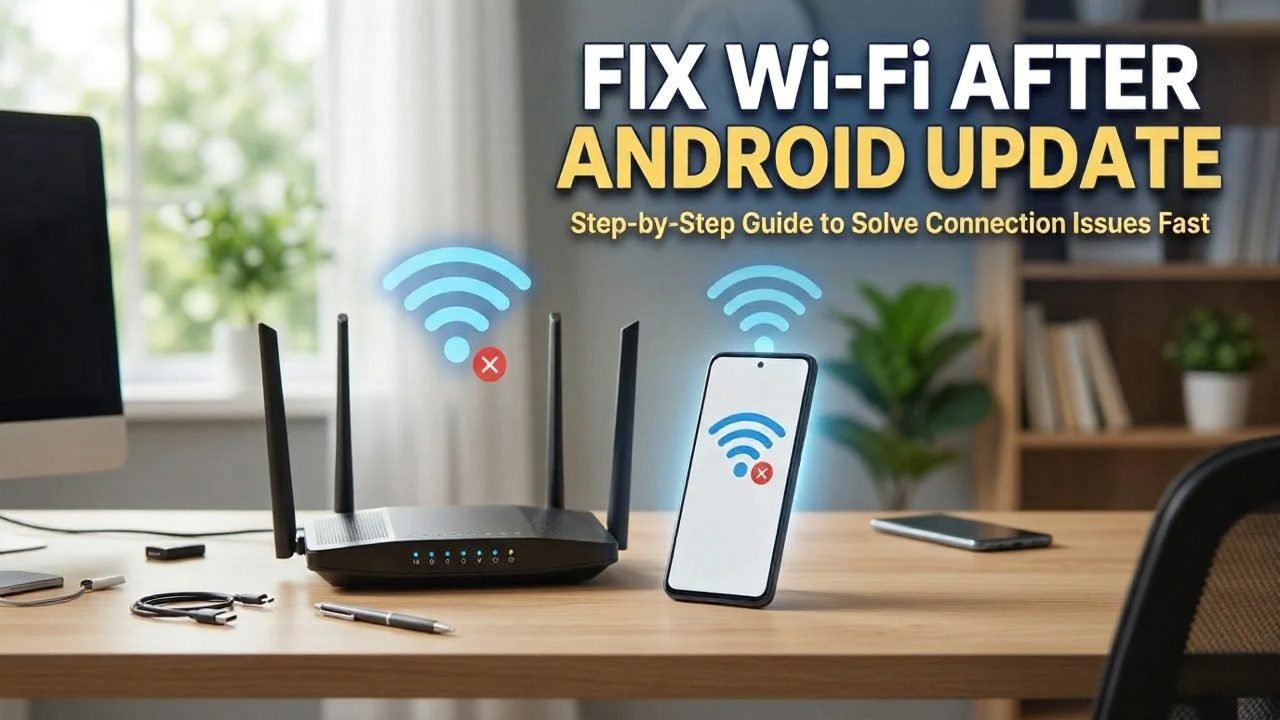
If you are dealing with Wi-Fi not working after an Android update, the issue is usually related to changes or minor bugs in the new software rollout. In some cases, outdated configuration settings, corrupted saved network data, or third-party security apps may prevent your wireless connection from working properly.
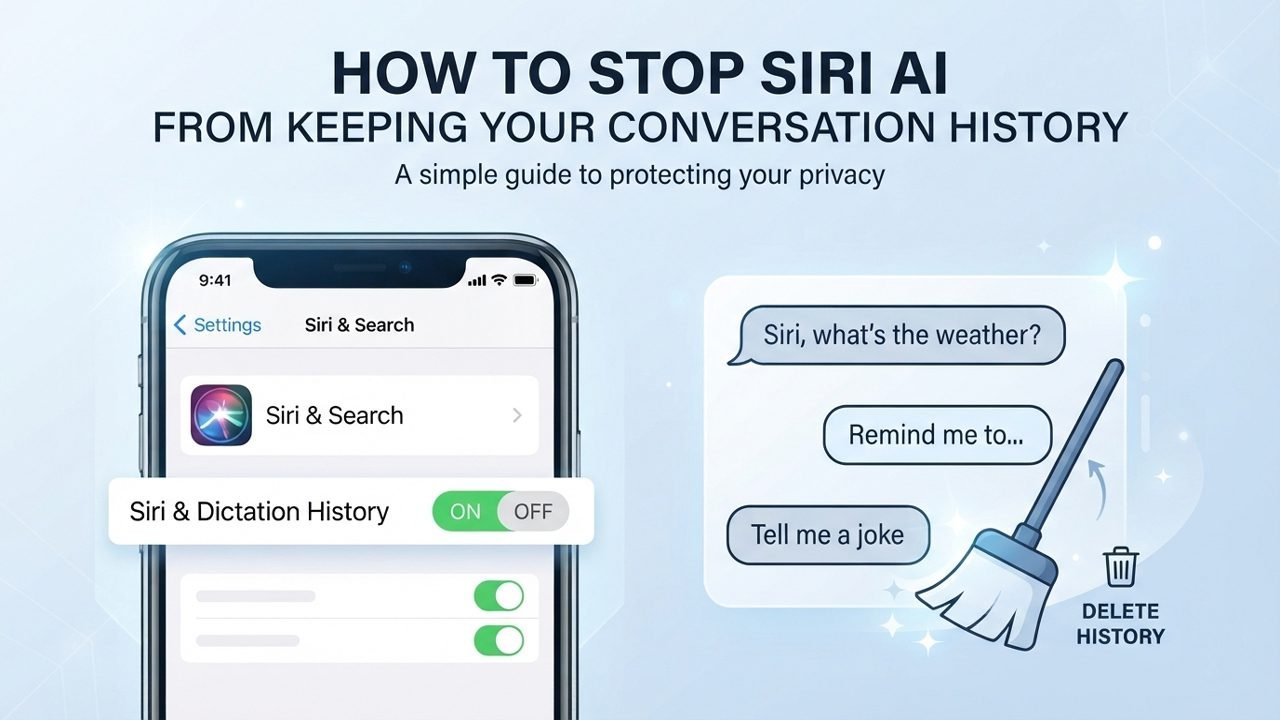
The new Siri AI experience in iOS 27, and macOS 27 makes it easier to interact with Siri through text or voice. However, your conversation may remain available in the Siri app and can sync across your Apple devices through iCloud.
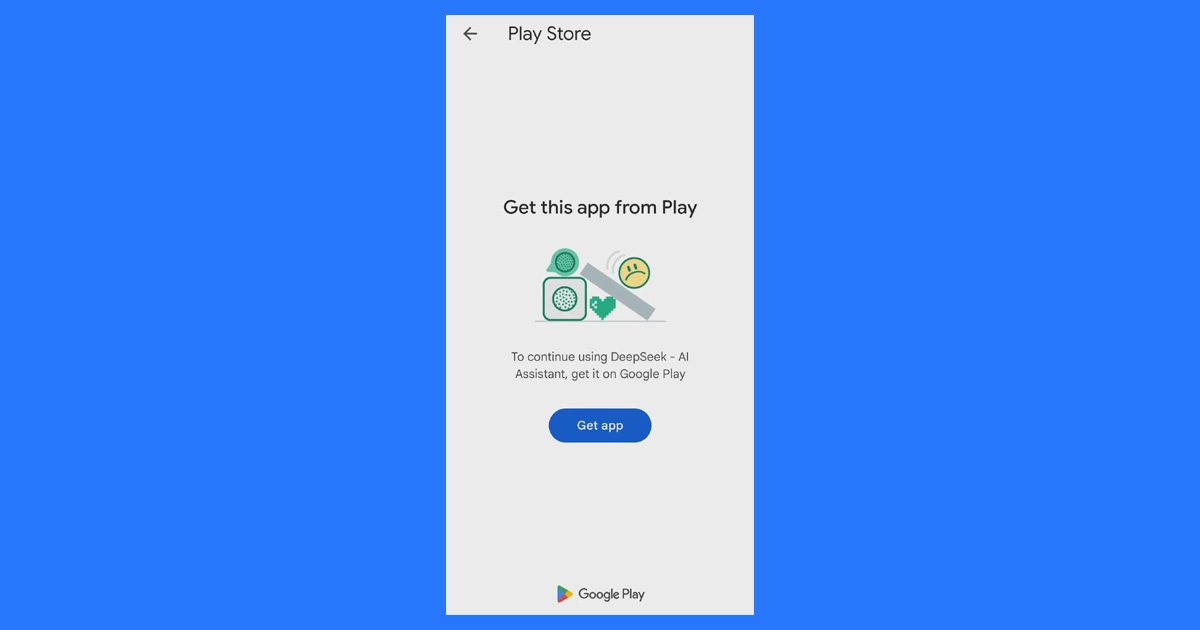
Sometimes, an Android app shows the error message “Get this app from Play” when you try to install or open an app. This usually happens when the app checks whether it is connected to Google Play and whether your Google account has access to it.