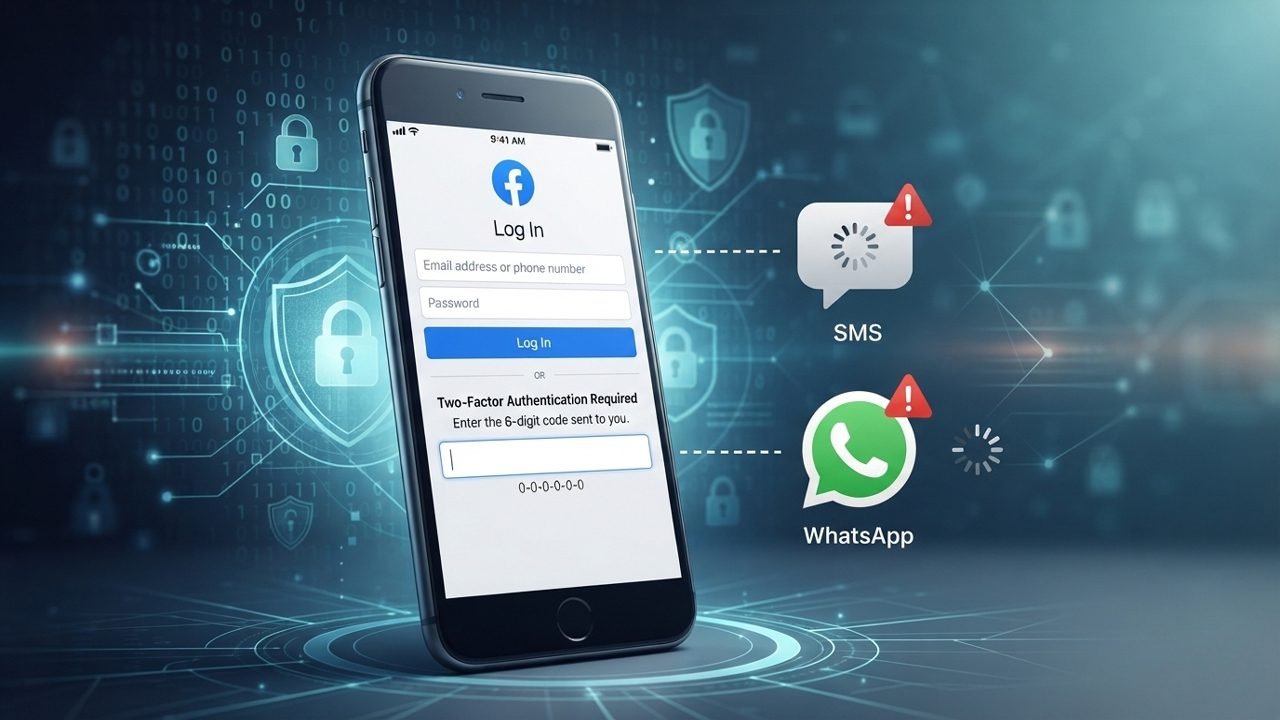
Facebook uses two-factor authentication to keep user accounts safe. It asks for an extra verification code when someone tries to log in from a new device or browser.
Facebook uses two-factor authentication to keep user accounts safe. It asks for an extra verification code when someone tries to log in from a new device or browser.
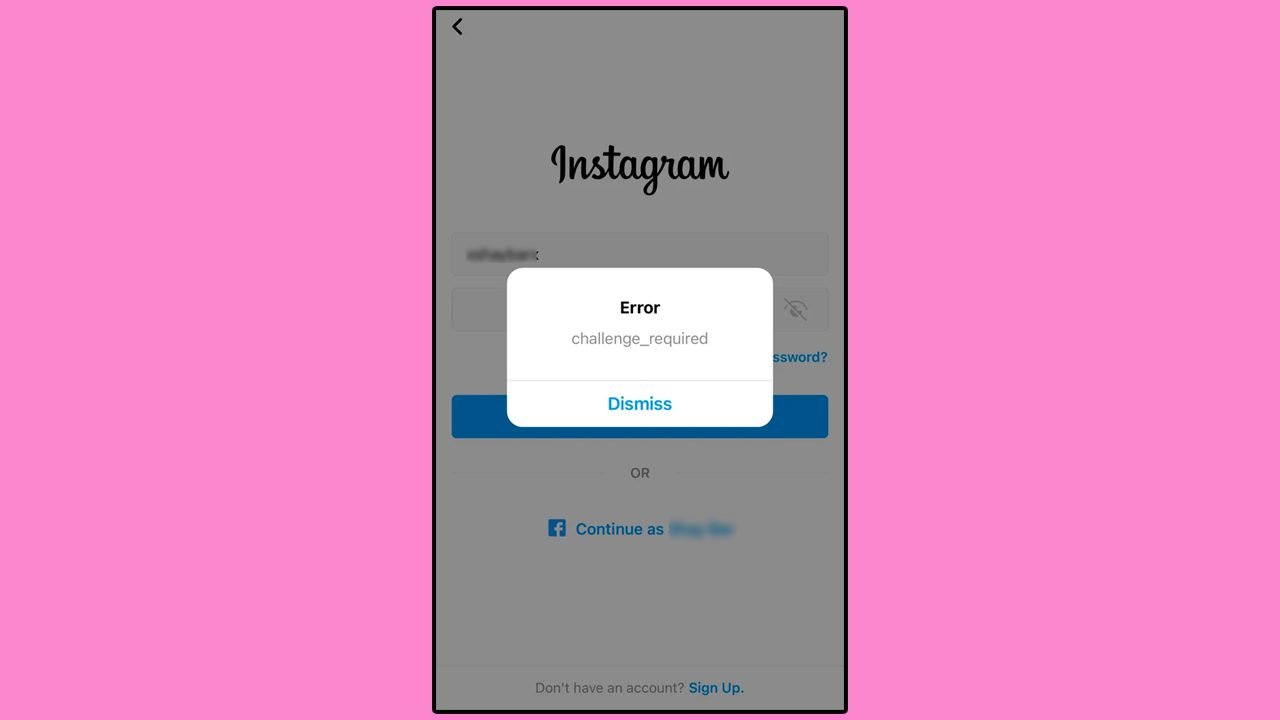
The “Challenge Required” error on Instagram can appear when you try to log in or use your account. It usually means the app needs to check your activity before allowing you to continue.

Sometimes, messages appear on your phone but fail to show up on your computer, making it frustrating to keep track of your conversations.
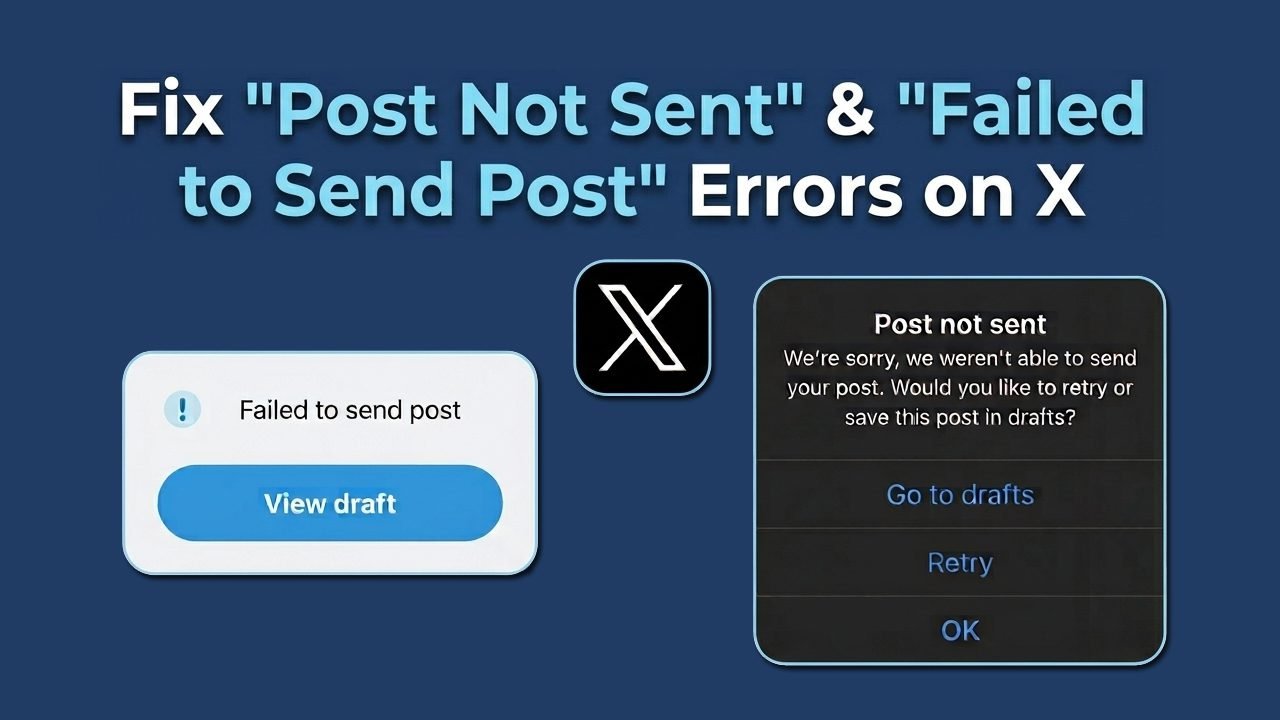
X (formerly Twitter) users sometimes encounter errors when publishing posts, replies, or videos. These problems typically occur due to network disruptions, duplicate content, app glitches, server outages, or account restrictions.
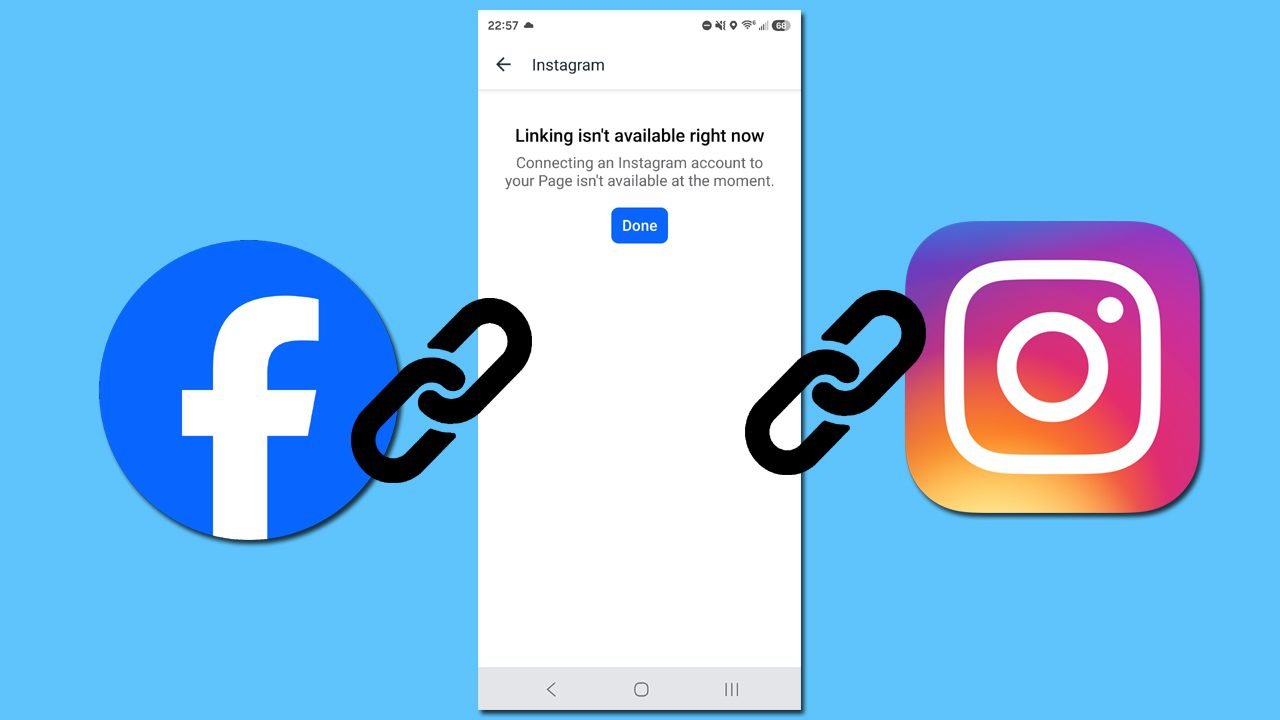
Connecting Instagram and Facebook is supposed to make managing your social media easy. However, sudden permission roadblocks, account access bugs, or hidden portfolio conflicts can easily break the connection.
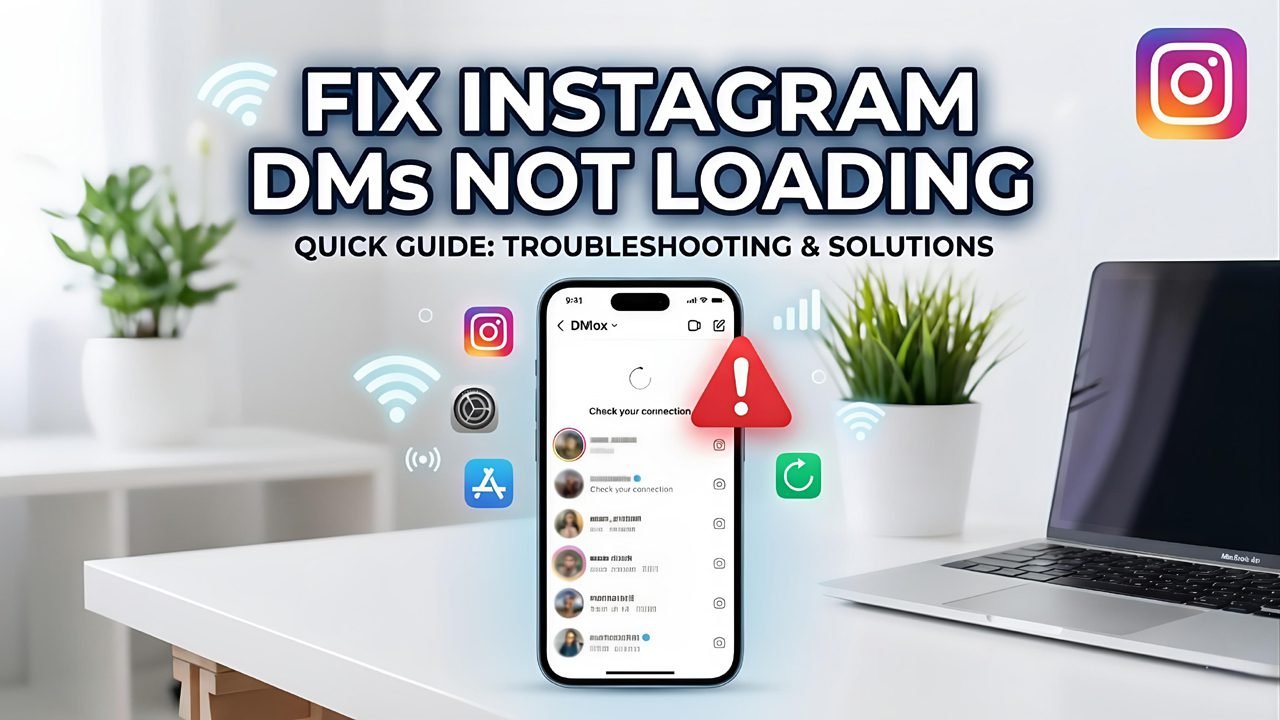
When Instagram Direct Messages (DMs) stop working as expected, conversations may fail to load, chat threads may remain blank, new replies might not appear, or outgoing messages can get stuck while sending. In some cases, entire chat history logs may temporarily disappear from your inbox.
Are you looking for solutions to fix photos and videos not loading in posts & chats on X (Twitter)? This issue may be caused by an unstable internet connection, an outdated app, corrupted cache, data saver settings, or temporary technical problems.
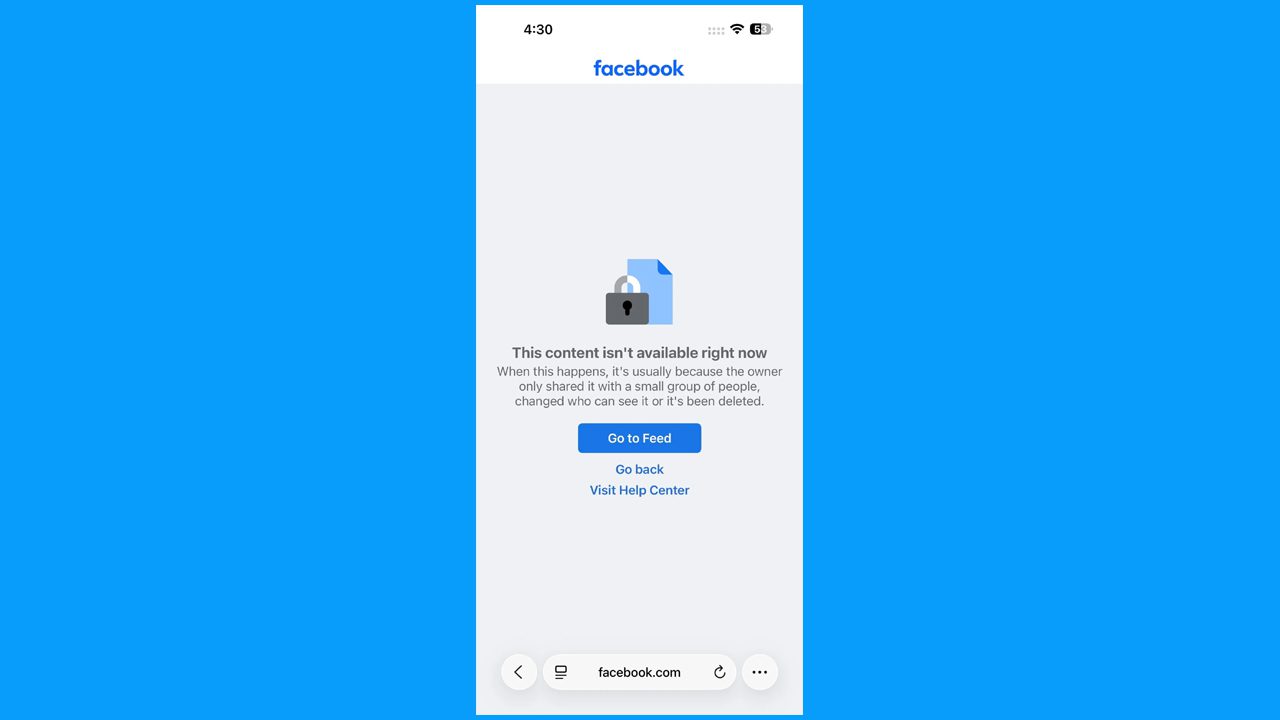
Seeing the “This content isn’t available right now” message on Facebook can be confusing, especially when you are trying to open a post, profile, or shared link. This can happen for different reasons such as being logged out, getting blocked, deleted content, changed privacy settings, account restrictions, or a temporary Facebook problem.
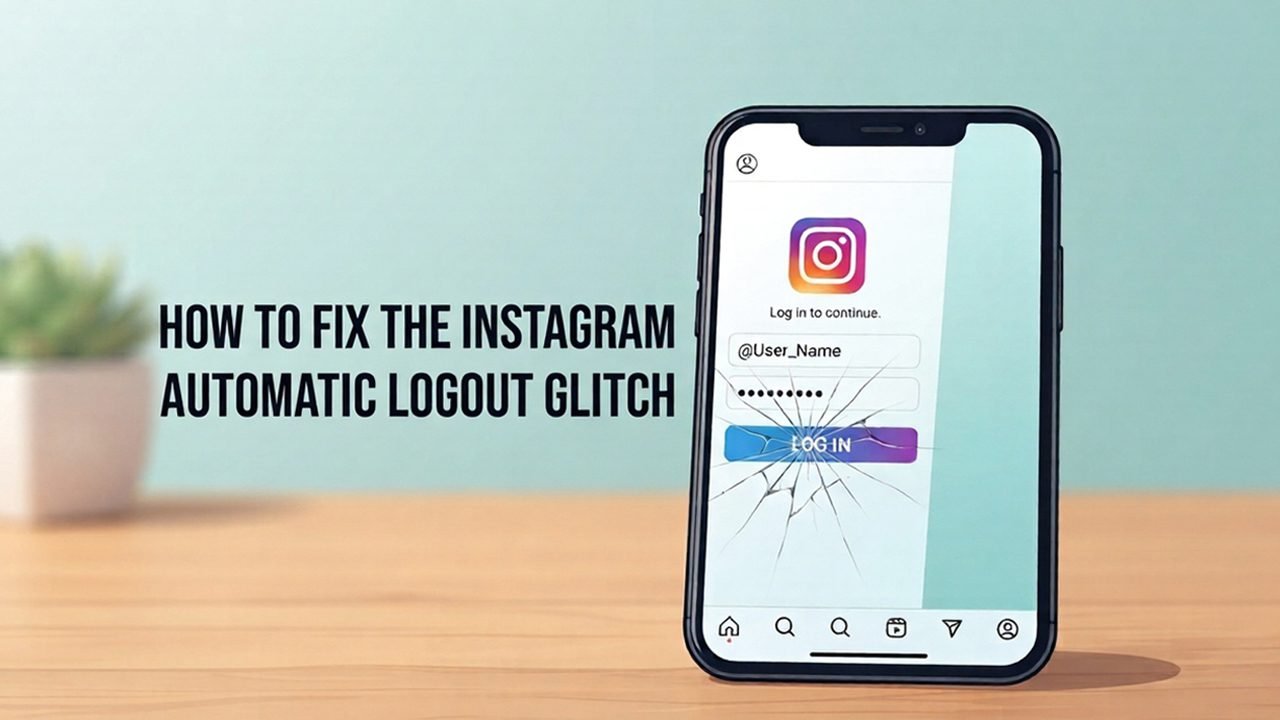
Instagram may log you out automatically because of an app error, internet problem, Outdated software, or account security issues. This can be frustrating, especially when you have to log in again and again.
In this guide, we will explain the reasons why it keeps logging you out and, most importantly, the simple steps to fix the Instagram automatic logout glitch (step-by-step) and help you use the app without breaks.